SMOKE BREAK!
Unity UGUI | C# | Photoshop | After Effects
LATE JAN 2025 - MAY 2025
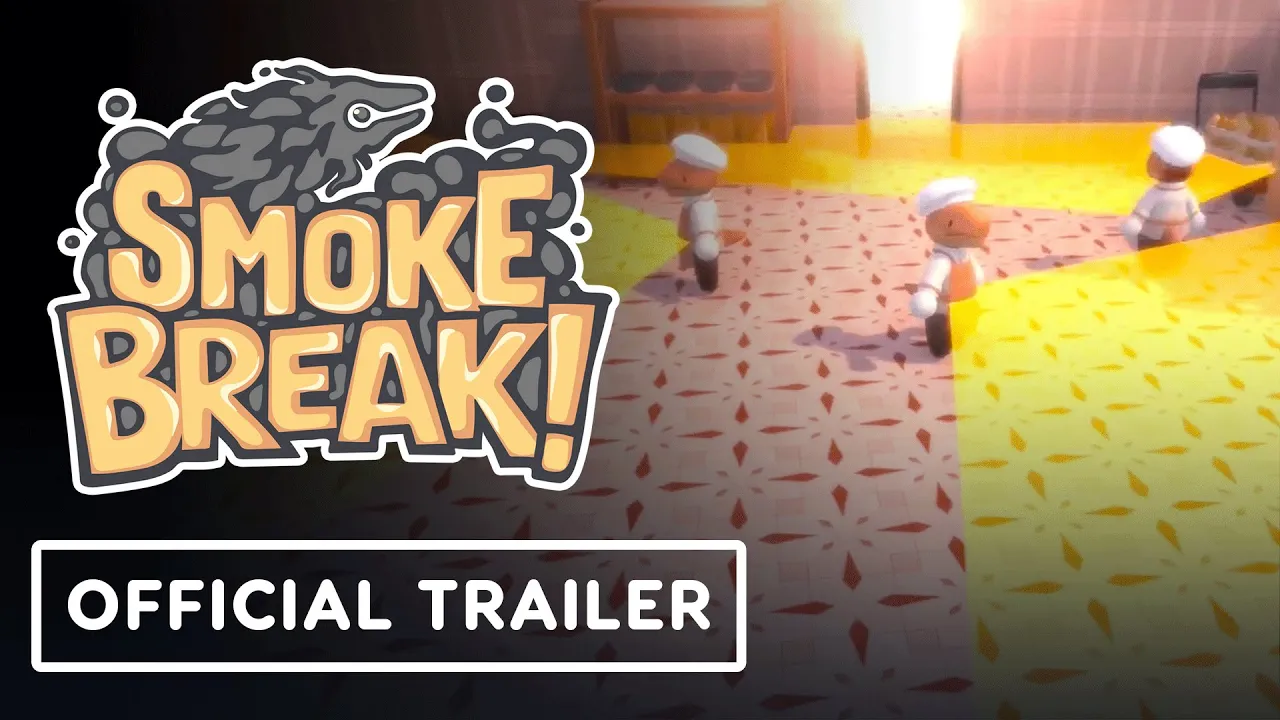
Smoke Break! is a stealth game built around a deceptively simple idea: your health is your size, and your size is your risk. Spend health to dash and shrink: harder to spot, but closer to death. Absorb smoke to grow: safer, but more visible.
My job was to make that system feel immediately readable.
UI/UX ARTIST & ANIMATOR | 4 MONTH TIMELINE | TEAM OF 50+
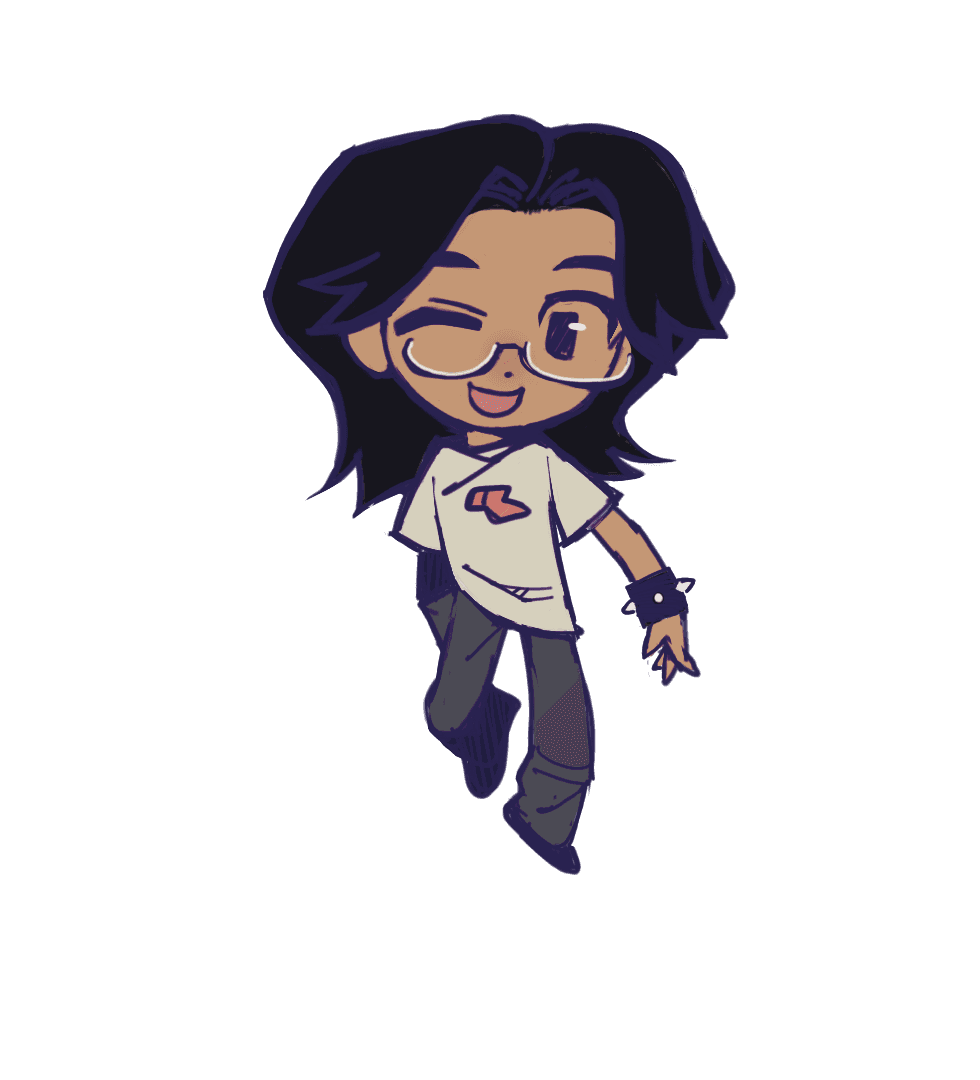
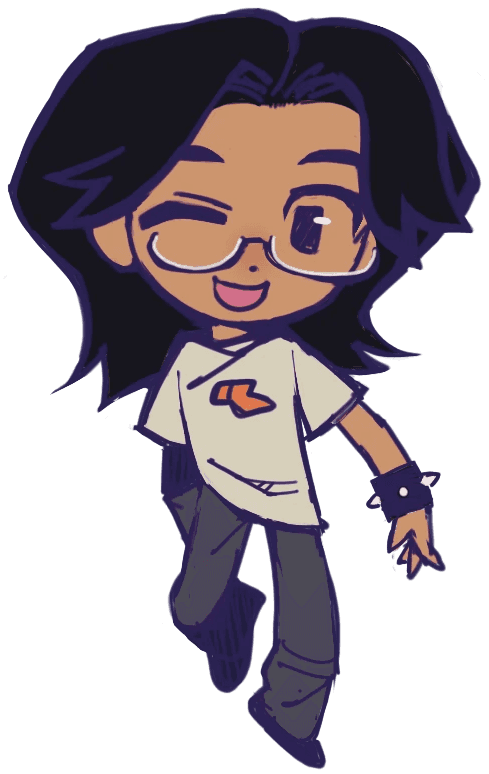
As UI Artist & Animator on a 50+ person team over four months, I designed and animated the HUD, screen transitions, and every in-world UI element that keeps the player oriented, engaged, and alive.
Smoke Break! is a stealth game where the player's health directly dictates their size and ability to dash.
UX CHALLENGE
How do you communicate a health-based risk/reward system, where expending health grants mobility but alters how visible you are to enemies, without cluttering the screen?
When the player absorbs smoke to increase their health (and consequently, their size and detectability), the feedback needs to be instant.
Instead of relying on a single isolated number or healthbar, I used a couple indicators to communicate the resource gain clearly:
Floating text indicates the amount of resource gained and draws the player's eye to the healthbar
The HUD uses a series of segmented "smoke points," which communicate a change in state more effectively than a percentage bar.
A numerical counter provides an at-a-glance reference point for the player's current number of smoke points
There are two ways the player can lose health: expending it to dash, or as a penalty for damage.
To communicate this clearly, I designed and animated two different health loss states.
DASH EXPENSE: The smoke cleanly dissolves, giving the player immediate feedback on their action
DAMAGE PENALTY: The smoke dissipates violently, poor Applewood recoils in pain and flashes red, and the HUD shakes
I animated and implemented distinct Idle, Hover, and Selected animations for each individual level jar component in the level select screen to establish an intuitive menu hierarchy.
I additionally designed a pie-shaped screen-space layout wipe to act as a seamless screen transition, hiding asset loading while maintaining the pie factory theming of the game. This screen wipe appears between levels and when transitioning from screen-to-scene.
DESIGNING AND ANIMATING THEMED UI ELEMENTS
TUTORIAL UI
ENEMY ALERT AND LOCATION INDICATORS
Players should be aware of:
If NPCs are searching for them or checking their last-seen area
The location of the janitor (the damage-dealing NPC)
When NPCs give up on the search
I designed, animated, and implemented thought bubble indicators that bob around based on proximity and transition seamlessly into the next.
I also designed, animated, and implemented a "janitor location indicator," which points towards the janitor and bounces faster the closer the janitor is.
MACHINE DAMAGE AND BREAK PROMPT
Applewood can break machines to draw NPCs to a certain location.
I designed, animated, and implemented damage popups that tell the player how many more hits a machine can take before breaking.
I also animated and implemented a break prompt.
PRIMARY PLAYER GOAL
In early playtests, players were often confused about what Applewood was chasing around the factory.
I worked with narrative and designed, animated, and implemented a world-space interface element that communicates Applewood's objective: their love for the burnt pie they see in the tutorial!
This interface element pops up in-game whenever Applewood gets close to the burnt pie they chase throughout the game.